|
|
|
Localization Tutorial
Create localization for Translate.Net in your language.
I am will be pleased to have localization to many languages as possible.
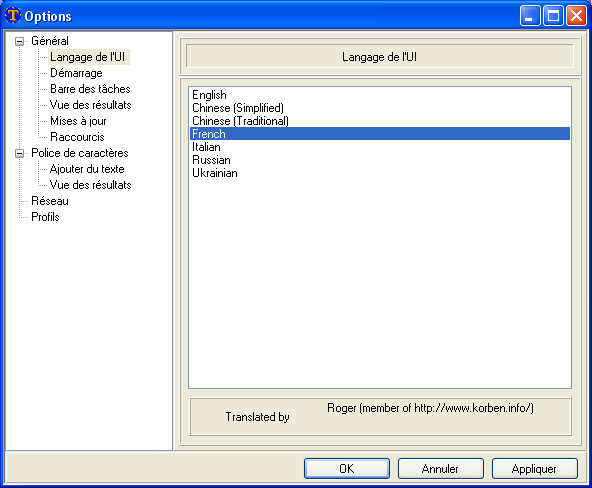
Here a few simple steps:
- Download and rename Original.lng
or other .lng file from directory
to some file named like mylanguage.lng
(Alternatively you can use "c:\Program Files\SAU KP\Translate.Net\lang\Original.lng" or other .lng file from directory
"c:\Program Files\SAU KP\Translate.Net\lang\" )
- Open .lng file in any text editor (like Notepad) or even in MS Word (as utf-8 txt)
- Add/Edit translations strings. Format of .lng file described below
- Send new .lng file to me
.lng file format:
.lng file format very simple - each translation contains two lines - one with English text, second with localized.
First one with square brackets ([]) as English text, second - with translation
Sample of French translation of two lines:
[&Select Аll]
&Sélectionner tout
[&Window]
&Fenêtre
Localization file also contains special symbols. You can move them in line, but please don't remove them:
- & - Accelerator of menu, underlined letter shortcut (when Alt pressed)
- \r\n - newline string, by ex. : [The profile {0} will be deleted.\r\nAre you sure ?]
- {0},{1},{2},{3} - format placeholders, marks where other data will be inserted by tool, by example :
[Downloaded {0}Kb from {1}Kb with speed {2}Kb/s]
- \\ - backslash, by ex. [Show\\Hide]
|
 Translate.Net